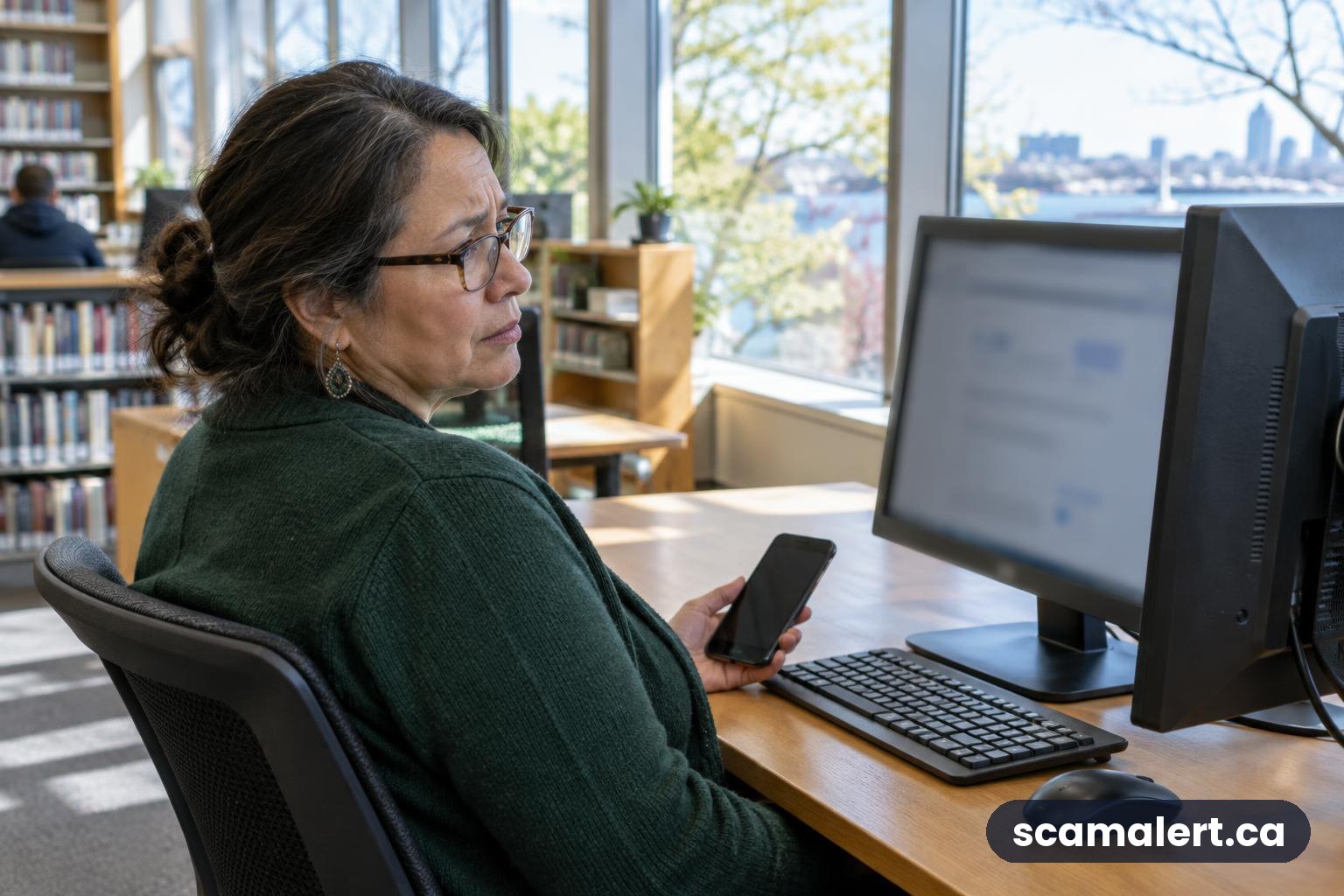
Fake tech support websites can appear when you search online for help with a computer, phone, software or internet connection. They may look like an official support page and urge you to call a number, download a tool or pay for help. Don’t assume a result is trustworthy just because it appears near the top of a search page. Use contact details from the company’s official app, documents or website, and never give a stranger remote access to your device.
How fake tech support websites work
A person may search for help with an error message, a device problem or a company’s customer service. A fake website can be designed to resemble an official support page. It may appear as a search result or an advertisement, and may use a familiar-looking name, logo or wording to seem legitimate. A search engine listing is not a guarantee that a page belongs to the company it claims to represent.
The page may ask you to call a support number, start an online chat, download software or pay for a repair or security service. Someone who answers may claim that your device is infected, at risk, or locked. They might ask you to install a remote-access program so they can control or view your screen. Remote access can let another person see information on your device and, depending on what you allow, interact with files, settings or accounts.
Some pages use urgent warnings or repeated pop-ups to make the problem seem serious. A warning shown in a web browser is not, by itself, proof that your device has a virus or that an official company has detected a problem. If you cannot close a page normally, you can close the browser or restart the device rather than calling a number displayed in the warning.
If you follow the instructions, you may be pressured to pay for unnecessary services, share passwords or banking details, or provide access to personal information. A payment request might involve a credit card, bank transfer, gift card or another method. If the person has access to your device, they may also try to guide you through banking or account tasks. Stop the conversation if you feel pressured.
Variations Canadians may encounter
These approaches are not limited to one device or type of search. A fake page might claim to offer help for a computer, phone, printer, operating system, security program or internet connection. It might appear when someone searches for a company’s support contact, a download, a repair service or a solution to a specific error.
- Look-alike support pages: A page uses a company’s name or familiar design while directing visitors to a contact method that is not confirmed by the company.
- Urgent browser warnings: A page uses alarming language, sounds or repeated alerts to persuade you to call or install something immediately.
- Search advertisements: A paid listing may appear above other results. Treat it as an advertisement, not as proof that the business or support service is official.
- Fake repair or security offers: A person may claim they can remove a threat or fix a problem, then request payment or access to your device.
- Follow-up contact: After an initial interaction, someone may contact you again claiming to provide a refund, finish a repair or recover money. Verify any such contact independently.
The real company whose name or service is copied is not the same as the person behind a fake page. If a page claims to represent a company, contact that company through details you find independently, rather than using the page’s phone number or links.
Warning signs to watch for
- The page or a pop-up says your device is infected and tells you to call immediately.
- You are told not to close the page, restart your device or speak to anyone else.
- A person asks you to install remote-access software or share your screen without a clear, independently verified reason.
- You are asked for a password, one-time security code, banking details or payment-card information.
- The person wants payment before explaining the service, or insists on gift cards, cryptocurrency or a money transfer.
- The web address is unfamiliar, misspelled or different from the address you reached through the company’s official app or documents.
- The page uses a logo or polished design as its main proof that it is genuine.
- You are rushed, threatened with losing access to your device, or told that a problem must be fixed right away.
- A caller or chat agent asks you to open your bank account or make a transaction while they are connected to your device.
How to protect yourself
When looking for technical help, slow down and check who you are dealing with. Use the support section of an official app or a website address you already know is genuine. You can also check documents that came with a product or contact the company using information you find independently. Don’t rely on a phone number shown in a pop-up, an unfamiliar search result or an unsolicited message.
Read the full web address before entering information. A page can use a company name in its wording without being the company’s official site. Be cautious with sponsored listings and with pages that ask you to download software. If you are unsure, leave the page and find the company’s support channel through a separate, trusted route.
Do not give remote access to someone who contacted you unexpectedly or whose identity you have not confirmed. Legitimate support may use remote tools in some situations, but you should start the contact yourself through an official channel and understand what access you are granting. Close access when the session is over, and do not leave a remote-access program installed if you no longer need it.
Keep your device and software updated, use a screen lock, and use strong, unique passwords for important accounts. Turn on multi-factor authentication where available. Never share a one-time code with someone who contacts you. Back up important files so you have another copy if your device is lost, damaged or affected by unwanted software.
What to do if you have been targeted
- End the interaction. Stop the call or chat. Do not follow further instructions, make another payment or share more information. If the person is connected to your device, disconnect it from the internet if you can do so safely, and end the remote-access session.
- Contact your bank if needed. If you paid, shared banking details or logged in to financial accounts while someone had access, contact your bank using the number on your card or its official app. Ask what steps to take to protect your account or dispute a transaction.
- Secure your accounts. From a device you believe is safe, change passwords for accounts that may have been exposed. Start with email and banking accounts, and change any other account that reused the same password. Sign out of other sessions where the service provides that option. Do not use a device you suspect is still under someone else’s control to change sensitive passwords.
- Remove unwanted access and check your device. If you installed a program at the person’s request, ask a trusted technician or the device’s official support channel for help removing it and checking the device. Use reputable security software and install updates. If you are unsure what was changed, avoid using the device for banking until it has been checked.
- Keep records. Save the website address, messages, emails, payment receipts and a description of what happened, if available. Do not revisit a suspicious page just to collect information. Keep copies of any relevant records for your bank or police.
- Tell other affected organizations. If you shared an account password, contact the service provider. If you shared identity information, ask the relevant organization what steps are appropriate. Watch your accounts and statements for activity you do not recognize.
How to report a fake tech support website in Canada
Report the incident to the Canadian Anti-Fraud Centre online at antifraudcentre-centreantifraude.ca or by phone at 1-888-495-8501. Reporting can help authorities identify patterns and warn others, even if you did not lose money.
Contact your local police to report suspected fraud or unauthorized access. If money, payment-card information or banking details were involved, contact your bank as soon as possible using a verified contact method. You can also report a misleading advertisement or impersonation to the platform where you saw it, and notify the real company through its official support channel. Do not use contact details supplied by the suspicious page.
Frequently asked questions
Can a fake support page appear near the top of search results?
Yes. Search pages can show advertisements as well as regular results. A high position does not prove that a page is official or safe. Check the web address and verify contact details through a separate, trusted source.
Is a pop-up warning proof that my device has a virus?
No. A warning displayed inside a web page does not prove that your device has been scanned or infected. Avoid calling numbers or downloading programs because a pop-up tells you to. Close the page and use a trusted support channel if you still have concerns.
What if I gave someone remote access but did not pay?
End the connection, disconnect the device from the internet if needed, and get help checking it. Change potentially exposed passwords from a device you trust. Contact your bank if you accessed a financial account or shared banking information during the session.
Should I report it if I only visited the website?
If you only opened the page and did not call, download anything, share information or pay, you may not need to take the same steps as someone who did. Close it, avoid returning, and report it to the Canadian Anti-Fraud Centre if you believe it was set up to deceive people.
Reviewed by our editorial team on .
Last updated

The Scam Alert Team tracks fraud targeting Canadians and turns official warnings into clear, practical advice. Our team has a background in IT and cybersecurity, and every article is fact-checked against official sources before publication. How we verify alerts