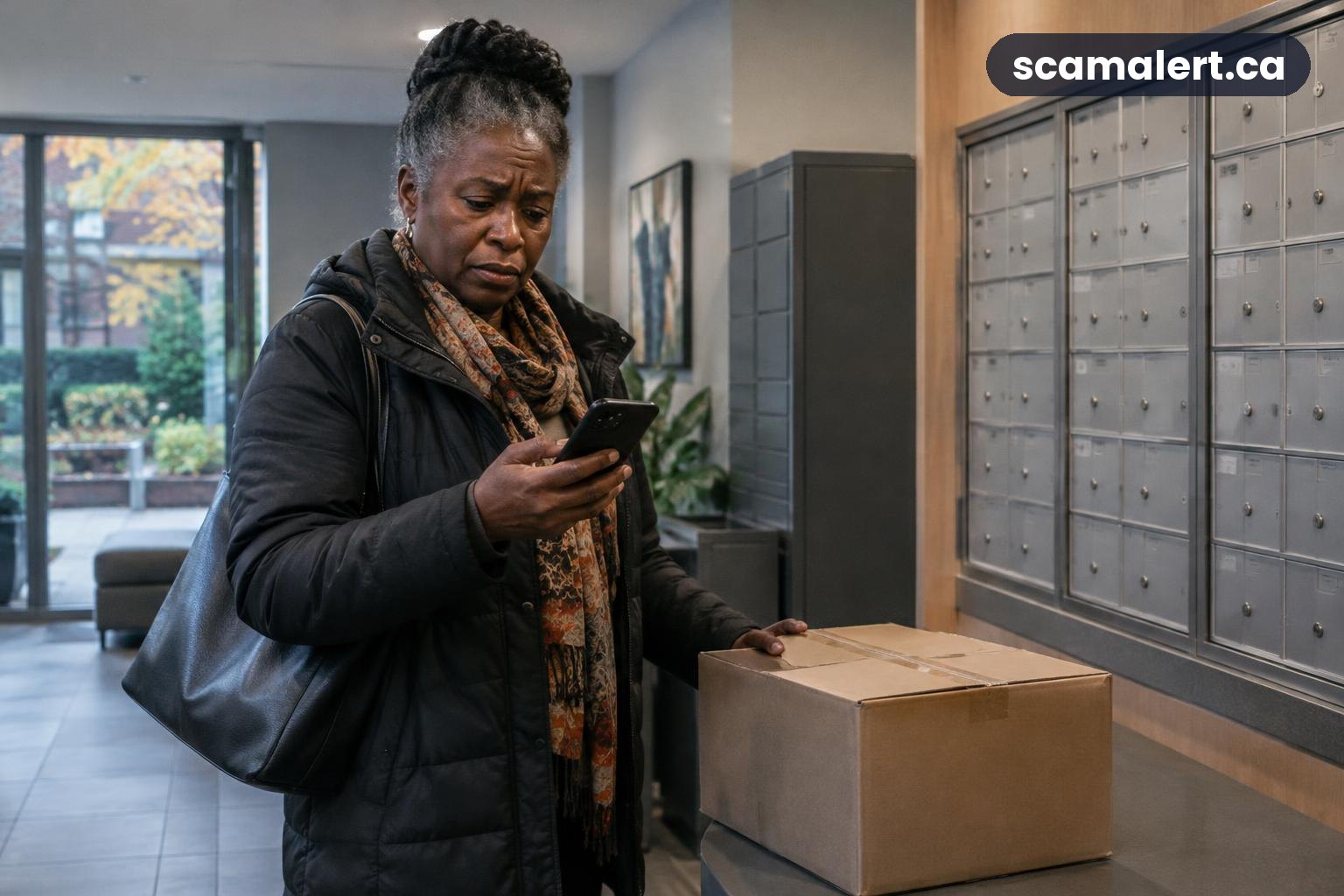
A Prime Day scam can use fake messages to take advantage of people looking for real sale offers. A genuine promotion does not mean every email, text or social media post using its name is trustworthy, so check offers through the retailer’s official app or website before you click or pay.
What the scam looks like
Prime Day is a real sale event, but fraudsters can imitate retailers and their promotions. A fake message may claim there is a special deal, a problem with an order, a delivery issue or a security concern with your account. The goal may be to get you to visit a lookalike website, share personal or payment information, or send money.
The message might arrive by email or text, appear as an online advertisement, or be sent through social media. It may use a familiar name, logo or style to seem genuine. Scammers can also make a web address look similar to the real one, so a familiar-looking page is not proof that it is safe.
A link may lead to a page that asks you to sign in, confirm your address or update payment details. If you enter information there, it could be collected by the person who created the page. Another message might ask you to pay a small fee to resolve a supposed delivery or order problem.
Some messages create urgency by saying an offer will disappear soon or an account will be suspended unless you act. Others may promise a prize or unusually large discount. These are examples of tactics to watch for, not proof that every urgent message or low-priced offer is fraudulent.
If you are shopping during Prime Day, start from the retailer’s official app or type its known website address into your browser yourself. You can check whether an offer or order notice appears in your account without using the message’s link. For a general account or order concern, contact the retailer through details you find independently.
Red flags to watch for
- An unexpected link: A message asks you to click to claim a deal, confirm an order or fix a delivery issue. Open the app or website independently instead.
- A request for sensitive details: Be cautious if a page reached through a message asks for your password, full payment-card details, banking information or a one-time security code.
- Pressure to act immediately: Warnings that you must respond at once can be designed to stop you from checking the claim calmly.
- A deal that seems implausibly good: Compare the offer with what the retailer shows in its official store. Do not rely on a message or advertisement alone.
- Unusual payment instructions: Treat requests to pay outside the retailer’s normal checkout process with caution, especially if the sender asks for a transfer, gift cards or cryptocurrency.
- Unexpected attachments: A sale or delivery notice should not require you to open a file or install an unfamiliar app to view basic order information.
- Details that do not match your account: If a message refers to an order you do not recognize, check your account directly rather than replying or following its instructions.
- A sender or web address that looks slightly different: Look carefully, but do not treat a familiar display name or logo as verification. Sender details can be misleading.
Prime Day scam: how to shop more safely
Use the retailer’s official app or enter its website address yourself. The retailer’s Canadian site is Amazon.ca. Check that you are using the correct site before signing in or entering payment details, and avoid saving information on a page you reached from an unexpected message.
For an offer you see in an email, text or social post, search for the item from within the official store instead of following the supplied link. Read the product listing and checkout details carefully. A real-looking advertisement can still lead to a fake seller or a copied page.
Use a strong, unique password for your shopping account and turn on additional sign-in security if it is available. Never share a one-time code with someone who contacts you unexpectedly. A request for a code can be an attempt to access your account, even if the person claims to be helping with an order.
Keep an eye on order confirmations and payment activity through your account and bank. If you find an order you did not make, a charge you do not recognize or an account change you did not request, contact the retailer or your bank using independently verified contact details.
What to do if you’ve been targeted
- Stop communicating through the suspicious message. Do not click more links, open attachments, reply, or provide further information. If you need to check an order, go to the retailer’s app or website yourself.
- If you shared a password, change it. Use the official website or app, and change the same password anywhere else you used it. Turn on additional sign-in security where possible, and review account activity and saved payment details.
- If you shared banking or card information, contact your bank promptly. Explain what happened and follow its instructions. Ask whether your card or account needs to be protected, and watch for unfamiliar transactions.
- If you paid, contact the payment provider. Ask whether the transaction can be stopped, reversed or disputed. The available options depend on how you paid, so act as soon as you can.
- Save relevant details. Keep the message, sender information, web address, receipts and transaction records if it is safe to do so. Do not forward suspicious links to other people.
- Secure any affected device. If you installed an unfamiliar app or file, stop entering passwords on that device and seek help from a trusted technical support provider. Change important passwords from a device you believe is safe.
- Tell anyone who may be affected. If you used a shared account or payment method, let the other account holders know so they can check activity and take protective steps.
How to report it
Report suspected fraud to the Canadian Anti-Fraud Centre online at antifraudcentre-centreantifraude.ca or by phone at 1-888-495-8501. Reporting can help authorities identify fraud patterns and warn others; it does not guarantee that money will be recovered.
Contact your local police as well, particularly if you lost money, your identity was used, or you are facing ongoing contact or threats. If money or banking details were involved, contact your bank or payment provider promptly using the number on your card, statement or official website—not a number supplied in the suspicious message.
You can also report the message or listing to the retailer using its official website or app. Do not use contact details or links from the message you are reporting. If the offer is genuine, you should be able to find it by navigating to the retailer’s official store independently.
Source: Is Prime Day a Scam? Real Sale, Fake Messages Explained – 2-Spyware
Reviewed by our editorial team on .

The Scam Alert Team tracks fraud targeting Canadians and turns official warnings into clear, practical advice. Our team has a background in IT and cybersecurity, and every article is fact-checked against official sources before publication. How we verify alerts