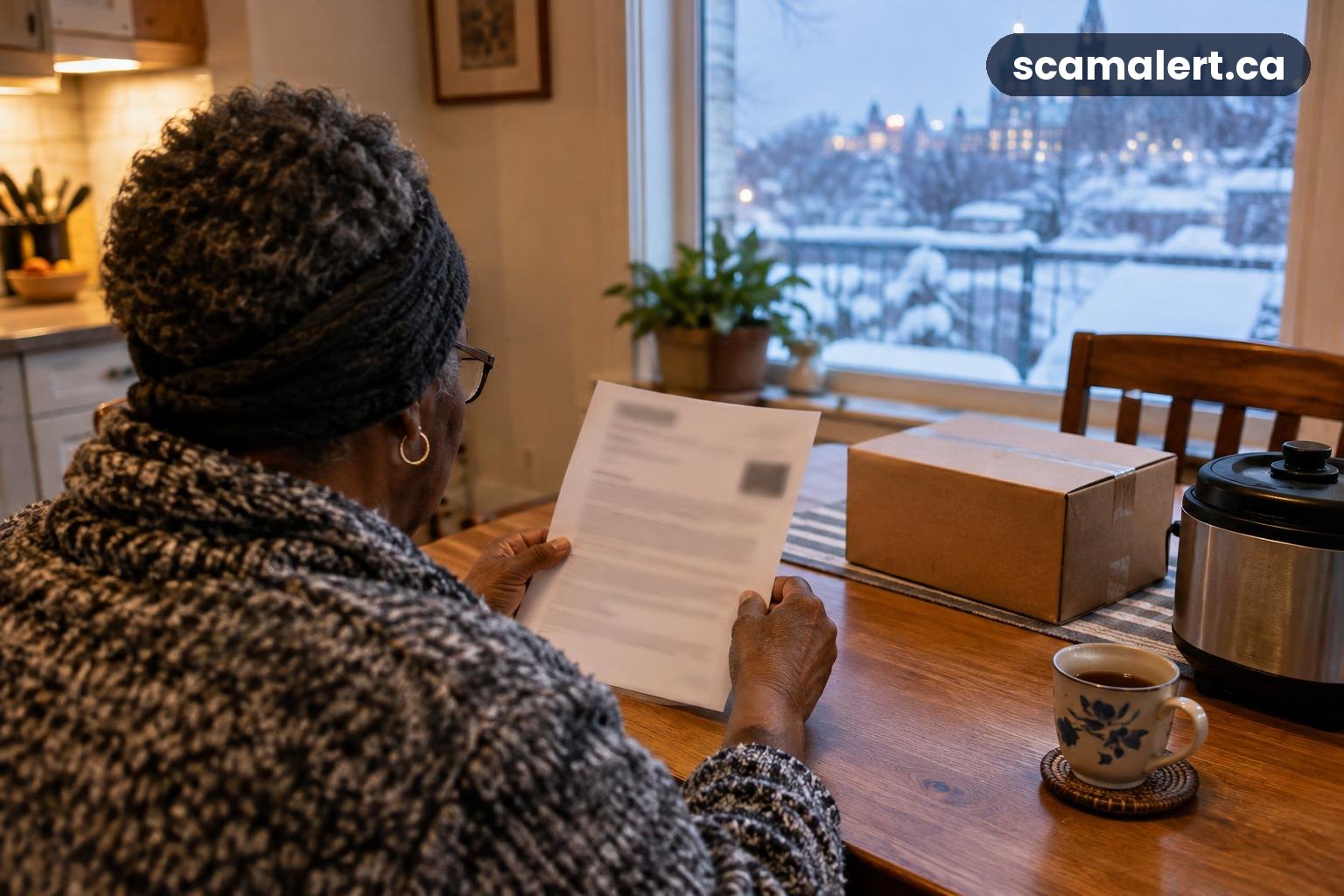
The Williams data breach warning is a reason for customers to be alert to suspicious messages claiming to offer updates or help. CTV News reports that Williams Food Equipment has warned customers of a security breach; the warning alone does not establish what information may have been affected.
If you receive a notice, check it carefully and follow up through contact details you find independently. A breach warning can also be used as a pretext by someone trying to get you to reveal personal or banking information, click a harmful link or make a payment.
What the scam looks like: Williams data breach follow-ups
CTV News has reported the company’s warning, but a real security incident does not make every message about it genuine. Scammers may use a news story, a company name or a claim that your account needs urgent attention to make an unexpected call, email or text seem believable. There is no confirmation here that such follow-up messages have been reported in this case.
A suspicious message might claim that you must confirm an order, reset a password, check a payment or provide identity details to protect your account. It could ask you to follow a link, open an attachment, call a number in the message or reply with information. Treat these requests cautiously, especially if you were not expecting them.
Sometimes the aim is to collect credentials or personal details. In other cases, a caller may ask for a one-time security code, direct you to a fake sign-in page, or pressure you to send money. Do not assume a message is legitimate because it uses the company’s name, refers to a real breach warning or displays familiar details.
Read any notice you receive and check what it actually says. If it describes specific steps, verify those instructions through a contact method you locate separately, such as the company’s official website or information you already have from a trusted transaction. Do not rely on a link, phone number or reply address supplied in an unexpected message.
Red flags after a customer data breach
- Urgent pressure: The sender says you must act immediately or risk losing access, money or an order. Pause and verify rather than acting under pressure.
- Requests for secrets: A legitimate support interaction should not require you to disclose your password, PIN or one-time sign-in code. Never share these in response to a call, email or text.
- Unexpected links or attachments: A message may look like an account notice but send you to a page asking for login or payment information. Navigate to a service independently instead.
- Payment demands: Be wary if someone asks for a fee, gift cards, cryptocurrency, a wire transfer or another unusual payment method to “secure” an account or release information.
- Unusual sender details: A display name can be copied, and caller ID can be misleading. Check the full sender information, but remember that appearance alone cannot prove a message is genuine.
- Unexpected personal details: A message may mention an order or other information to sound convincing. Do not treat familiarity as proof; verify the request through a separate channel.
- Unsolicited remote access: Do not install software or let a caller control your device because they claim to be investigating the Williams data breach.
What to do if you’ve been targeted
- Stop before responding. Do not click more links, open attachments, share codes or send money. If you are on a call, end it and make your own check using contact information found independently.
- Check the notice safely. Review the original communication from the company, if you have one, and look for clear details about what happened and what action is recommended. Reach the company using a website address you enter yourself or contact details from trusted paperwork. Avoid using details in a suspicious message.
- Secure accounts if you entered a password. Change that password using the service’s official app or website, and change it anywhere else you reused it. Choose a different, strong password for each account and turn on multifactor authentication where available.
- Contact your bank promptly if financial details or money are involved. Use the number on your bank card or statement, not a number supplied by a caller or message. Ask the bank what steps to take if you shared banking credentials, card details or a verification code, or if a payment went through.
- Keep evidence. Save the message, email address or phone details, screenshots, receipts and a record of what happened. Do not forward suspicious links to other people or keep interacting with the sender.
- Watch for unexpected activity. Check relevant financial and online accounts for changes or transactions you do not recognize. If the company’s notice identifies specific information as affected, consider what other accounts might use that information and take appropriate protective steps.
- Report identity misuse or account changes. If someone has opened an account, taken over an account or used your identity, contact the affected organization directly and ask how to secure it. Local police can also advise you about reporting suspected fraud.
How to report it
Report suspected fraud or a deceptive follow-up message to the Canadian Anti-Fraud Centre online at antifraudcentre-centreantifraude.ca or by phone at 1-888-495-8501. You can report an attempt even if you did not lose money. Include what the message claimed and how it reached you, but do not share passwords or security codes in a report.
Contact your local police if you have lost money, experienced identity theft or believe a crime has occurred. If money, card details, banking credentials or a verification code are involved, contact your bank immediately using a trusted number. Ask the bank to secure affected accounts and explain any next steps.
If you have questions about the handling of personal information, the Office of the Privacy Commissioner of Canada provides information through its official website at priv.gc.ca. For any company-specific instructions, use a contact route you have verified independently rather than relying on an unexpected message.
Frequently asked questions
Does the Williams data breach warning mean my information was exposed?
The warning reported by CTV News does not, by itself, say what information may have been affected or whether it relates to your account. Check any notice you receive and ask the company through a verified contact method if you need clarification. Avoid assuming either that your information was exposed or that an unexpected message about the incident is authentic.
Should I click a link to learn more about the security breach?
Do not use a link in an unexpected message to investigate. Find the company’s official website independently or use trusted contact details you already have, then check for information or ask how to confirm a notice. This lets you seek answers without handing information to a lookalike page.
Source: Williams Food Equipment warns customers of security breach – CTV News
Reviewed by our editorial team on .

The Scam Alert Team tracks fraud targeting Canadians and turns official warnings into clear, practical advice. Our team has a background in IT and cybersecurity, and every article is fact-checked against official sources before publication. How we verify alerts