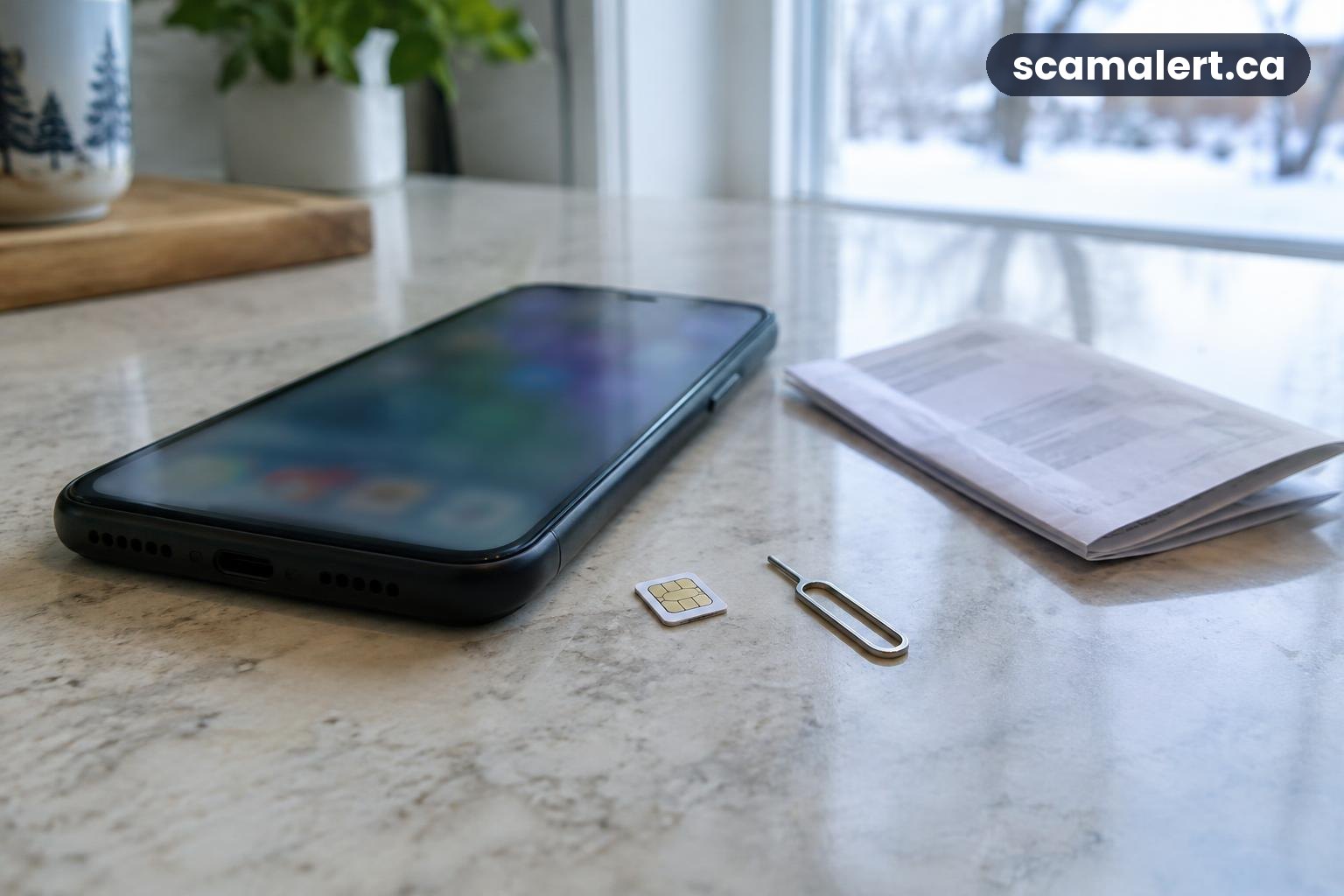
A SIM swap scam can put your phone number and some of your online accounts at risk. If your phone suddenly loses service for no clear reason, contact your mobile provider using a number or contact method you know is genuine, and secure important accounts from another device if needed.
A SIM swap is a change that moves a phone number to a different SIM card or eSIM. The same process can be used legitimately when you change phones, but a criminal who gets a provider to make the change may receive calls and text messages meant for you. This can expose account recovery codes sent by text, so acting quickly matters.
How a SIM swap scam works
To take over a number, someone may try to persuade your mobile provider to transfer it to a SIM or eSIM they control. They might pretend to be you and use personal information they have collected, guessed or obtained through another incident. The provider is not necessarily involved in wrongdoing; the criminal is impersonating the account holder.
Once the number is transferred, your own phone may show that it has no service, or it may stop receiving calls and text messages. The person who now receives messages to your number can try to use password-reset processes for accounts that rely on texted codes. They may then attempt to access email, financial, social media or other online accounts.
A phone number alone does not automatically give someone access to every account. Access may depend on the account’s security settings and what other information the criminal has. However, losing control of the number can make it harder to receive security alerts or prove that an account belongs to you.
SIM swap scams and other variations in Canada
The method can vary. Someone may first contact you with a convincing message or call to get personal information, passwords or a one-time code. They may also use details gathered from publicly visible profiles or from information exposed in a separate data incident. Treat unexpected requests for account details as suspicious, even when the caller knows some facts about you.
Another variation involves an unexpected change to your mobile account, such as a request to move your number to a new SIM or eSIM. You might receive an alert from your provider, or notice that calls and messages stop arriving. A sudden service problem can have an ordinary technical cause, so it is not proof of a SIM swap, but it is a reason to check with your provider promptly.
Criminals may also try to use control of a phone number as one step in a larger account-takeover attempt. For example, they might target your email first or use a compromised email account to request password changes elsewhere. That is why it is important to protect both your mobile account and the email address used for account recovery.
Red flags to watch for
- Your phone suddenly cannot make calls, send texts or connect to the mobile network, and the issue does not resolve as expected.
- Your provider notifies you about a SIM or eSIM change, number transfer or account change that you did not request.
- You receive password-reset alerts or sign-in notifications for accounts you were not trying to access.
- You stop receiving expected security messages, or you cannot use your phone number to recover an account.
- Someone calls or messages asking for a password, one-time code, account PIN or other private information to “protect” your number.
- You find unexpected changes to your mobile account or online accounts, such as changed recovery details or unfamiliar sign-ins.
Do not assume every interruption is a crime, and do not ignore a suspicious change. Contact your provider through its official app, website or a number from a bill or other trusted account record. Avoid using contact details supplied in an unexpected message until you have checked them independently.
How to protect your phone number and accounts
Ask your mobile provider what safeguards it offers to stop an unauthorised SIM change or number transfer. These may include an account PIN, a transfer lock or another verification step. Set available protections using the provider’s official channels, and choose a PIN that is not easy to guess or reused from another account.
Use strong, unique passwords for your email and important accounts. A password manager can help you create and store different passwords. Secure your email especially carefully, because it is often used to reset passwords elsewhere. Review its recovery email address, phone number, signed-in devices and recent security activity.
Where available, use an authenticator app or a passkey rather than relying only on text-message codes. These options can reduce the risk that a criminal who takes over your phone number can use texted codes to get into an account. Keep recovery codes somewhere safe and private, separate from the phone they are meant to help you recover.
Turn on account alerts for sign-ins, password changes and financial activity when those options are available. Keep your devices and apps up to date, and be cautious about unexpected messages asking you to open a link or share a code. A legitimate support interaction should not require you to reveal a one-time sign-in code to an unsolicited caller or texter.
Limit personal details you make public when you can. Information such as your full birth date or other identifying details may help someone impersonate you, though sharing a detail does not by itself mean your number will be taken over. Check your mobile account and important online accounts occasionally so you know how to reach support and where to find security settings.
What to do if you think your number was taken over
- Contact your mobile provider right away. Use a trusted contact method, explain that you did not authorize the SIM or eSIM change, and ask the provider to secure your account and restore your number. Ask what happened and what steps are needed to prevent another unauthorised change.
- Secure your email and important accounts from a safe device. Change passwords that may be exposed, starting with your email. If you cannot sign in, use the account provider’s official recovery process. Sign out unfamiliar devices or sessions where possible and check that recovery details have not been changed.
- Contact your bank if money or banking details may be involved. Tell the bank about the phone-number takeover, ask it to secure your accounts and follow its advice about transactions or access. Use a trusted number from your bank card, statement or official banking app.
- Check accounts for changes and activity you do not recognize. Review recent sign-ins, password-reset notices, recovery details and financial transactions. Save relevant messages and account alerts, but do not forward sensitive codes to anyone who contacts you.
- Update account recovery and security settings. Once you have regained access, replace outdated recovery details, enable stronger sign-in options where available and use new, unique passwords for accounts that may have been affected.
- Report the incident. Contact your local police and the Canadian Anti-Fraud Centre. If the takeover involved financial information, your bank should also be told even if you do not yet see an unauthorized transaction.
If you are locked out of an account, use its official recovery process rather than paying someone who promises to restore access. Be wary of follow-up messages claiming they can recover your number or money in exchange for a fee, password or verification code.
How to report a SIM swap scam in Canada
Report suspected fraud to the Canadian Anti-Fraud Centre online or by calling 1-888-495-8501. You can report an attempted scam even if you did not lose money. Keep a note of what happened and save relevant messages or alerts if it is safe to do so.
Contact your local police as well, particularly if you have lost money, your identity has been used or your accounts have been accessed. If your banking details or money may be involved, contact your bank promptly using a verified contact method. Your mobile provider is also essential to regaining control of your number, but it does not replace reporting to the Canadian Anti-Fraud Centre, police and your bank where applicable.
For general online safety information, the Canadian Centre for Cyber Security provides guidance for Canadians. Use official sites and apps when checking security advice or contacting an organization.
Frequently asked questions about SIM swap scams
Does losing phone service mean my number was swapped?
No. Service can fail for other reasons, and a brief outage alone does not confirm that anyone has taken over your number. If the loss is unexpected, check with your mobile provider through a trusted contact method and watch for unauthorised account or password-reset alerts.
Can a SIM swap expose my bank account?
It may help someone try to access an account if that account uses text messages for recovery or verification, especially if the person also has other information about you. A number takeover does not guarantee access. Contact your bank promptly if banking details, sign-in codes or money could be affected.
Are text-message verification codes unsafe?
Text codes can provide an extra security step, but they depend on your number remaining under your control. For accounts that offer them, consider a passkey or authenticator app as an alternative. Never share a sign-in code with someone who contacts you unexpectedly.
What should I tell my mobile provider?
Say that you suspect an unauthorised SIM or eSIM change or number transfer, explain when you lost service, and ask the provider to secure the account and help restore your number. Follow its official identity-check process, and do not give a code to an unsolicited caller or texter.
Reviewed by our editorial team on .

The Scam Alert Team tracks fraud targeting Canadians and turns official warnings into clear, practical advice. Our team has a background in IT and cybersecurity, and every article is fact-checked against official sources before publication. How we verify alerts