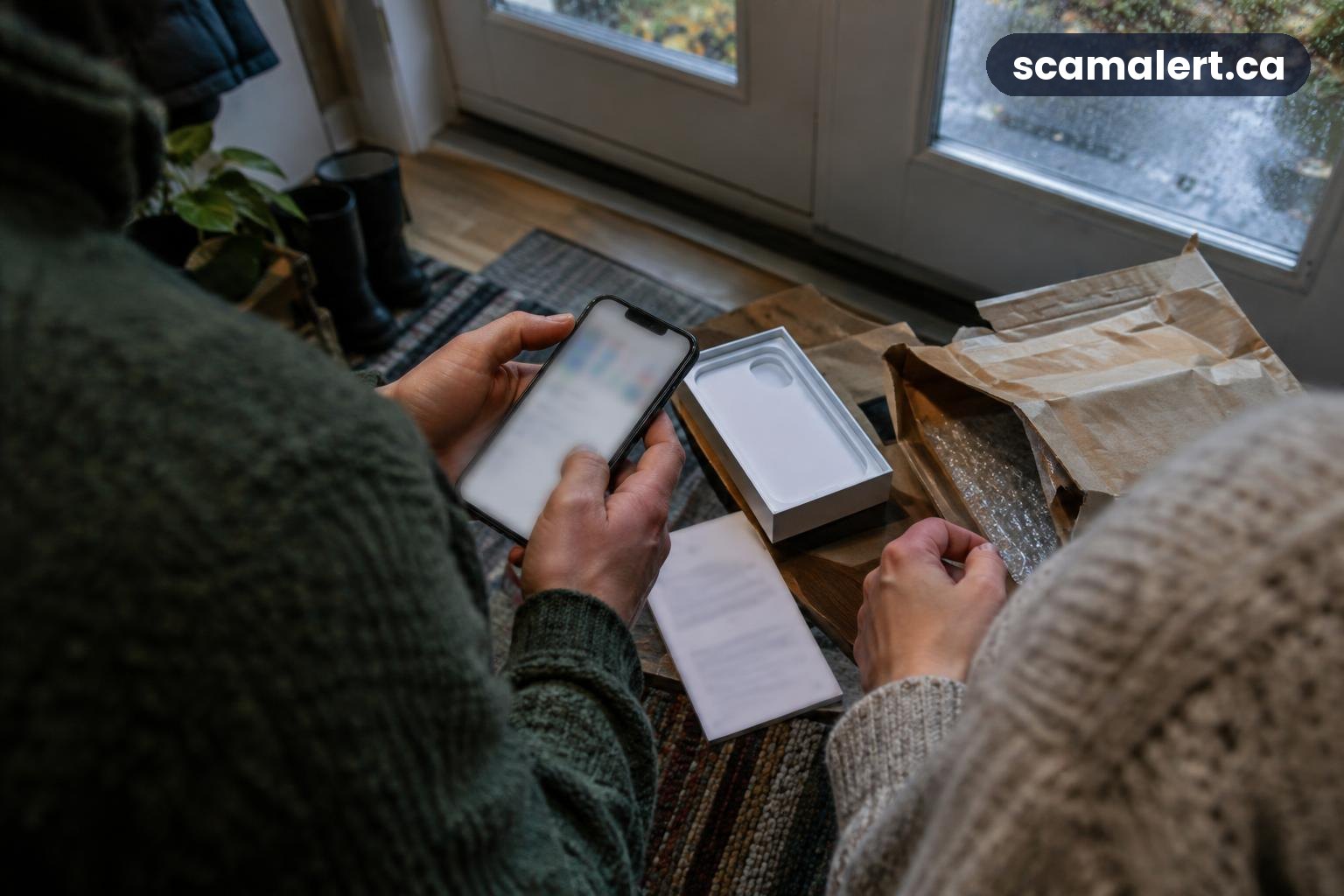
The phone-return scam is being reported on Vancouver Island, where iPhone in Canada says losses have topped $33,000. Phone returns can involve devices, shipping and mobile accounts, so an unexpected message or charge deserves a careful check before you respond.
What the scam looks like: phone-return scam
The precise approach can vary. In a phone-return scam, someone may use confusion around a device purchase, return, refund or mobile account to get money or personal information. A message might claim there is a problem with a return, ask you to send a device somewhere, or say you owe a fee before a refund can be processed.
Scammers can pose as a mobile provider, retailer, delivery company or buyer. They may use familiar branding or details that make a message seem connected to a real order. That does not mean the named company is involved; a real business can be impersonated.
Another possibility is that a customer sees an order, return or account change they did not make. An unfamiliar device charge, return confirmation or shipping notice could point to account misuse, a mistaken record or a scam. Do not assume the message is genuine, but do not ignore a charge or account change either.
A fraudster may try to move the conversation away from the provider’s official customer-service channels. They might ask for a password, verification code, payment details, identity documents or a payment by an unusual method. A genuine support representative should not need you to disclose a one-time login code or password in a message.
Sometimes the contact arrives by phone call or text; it could also come by email or through an online account. Caller names and message details can be faked. A convincing name, order number or return label is not proof that the request is legitimate.
Red flags to watch for
- A return you do not recognize: You receive a return confirmation, refund notice or shipping instruction for a phone or order you did not arrange.
- Pressure to act quickly: The sender says your refund, account or service will be affected unless you pay or respond immediately.
- Requests for security details: Someone asks you to share a password, verification code, account PIN or full payment information.
- Unexpected fees or payment methods: You are told to pay a return, release or processing charge using a method you would not normally use with the provider.
- Unfamiliar account activity: Your bill, device list, order history or account contact details show changes you cannot explain.
- Pressure to use a supplied link or number: The message directs you to a contact route instead of asking you to reach the provider independently.
- A request to send a device to an unexpected address: Verify any return destination through the retailer or mobile provider’s official service channel before mailing anything.
- Inconsistent details: The order, device, dates or return information do not match your own records, even if the message looks polished.
What to do if you’ve been targeted
- Pause and do not follow the message’s instructions. Avoid clicking a link, calling a number in the message, sending a phone or paying a fee until you have checked the matter through a contact method you find independently.
- Contact the provider or retailer directly. Use the official app, website, statement or paperwork you already trust. Ask whether there is a real order, return, refund or account issue, and confirm the correct way to handle any device shipment.
- Review your mobile account and bills. Look for unfamiliar orders, devices, charges, account changes or requests to transfer service. If you find something unexpected, ask the provider to secure the account and explain what steps are available to prevent further changes.
- Change exposed passwords and secure related accounts. If you shared a password, change it through the real service, and update any other account that reused it. Turn on added account security where available. Never share verification codes with a caller or message sender.
- Call your bank promptly if payment or banking information was involved. Explain what happened and follow the bank’s instructions about blocking a payment method, reviewing transactions or securing online banking. If you sent money, keep the transaction details and ask whether it can be stopped or recovered.
- Keep the evidence. Save messages, emails, account notices, receipts, shipping information and transaction records. Take screenshots if a message or page could disappear, but do not forward suspicious links to others.
- Report any device or account misuse to the provider. Ask the company to record the issue and provide a case reference if available. If a phone is missing or you suspect someone has gained access to your mobile account, tell the provider so it can explain its account-protection process.
- Watch for follow-up contact. After a suspicious interaction, another person may claim they can recover money or fix the account for a fee. Verify any new approach independently and do not pay someone who promises a guaranteed recovery.
How to report it
Report the phone-return scam to the Canadian Anti-Fraud Centre (CAFC), even if you did not lose money. Call 1-888-495-8501 or visit antifraudcentre-centreantifraude.ca. Share what happened and provide the messages or transaction details you have saved.
Contact your local police service as well, particularly if money was taken, a device was stolen or your identity or account was used without permission. Keep the police report information with your records, and follow any instructions about preserving evidence.
If you paid or provided banking details, contact your bank using the number on your bank card or an official statement. Do this promptly and explain whether you shared account credentials, card details or a verification code. The CAFC, police and bank have different roles, so contacting one does not replace notifying the others.
Frequently asked questions
Could a real company contact me about a phone return?
Yes, a retailer or mobile provider may need to discuss a genuine order or return. The safe approach is to check the request through the company’s official app, website or customer-service details you already trust, rather than using links or contact information supplied in an unexpected message.
What if I only clicked a link?
Close the page and do not enter information or download anything. If you entered a password, change it using the official service and secure other accounts that use the same password. If you provided payment or banking details, contact your bank; if you disclosed mobile-account information, contact your provider.
Should I send back a phone I did not order?
Do not mail a device to an address from an unexpected message. Contact the retailer or provider through an independently verified channel and ask them to confirm what the device is and what to do. Keep the packaging and any notices until the company has given you verified instructions.
Source: Phone-Return Scam Hits Vancouver Island, With Losses Already Topping $33,000 – iPhone in Canada
Reviewed by our editorial team on .

The Scam Alert Team tracks fraud targeting Canadians and turns official warnings into clear, practical advice. Our team has a background in IT and cybersecurity, and every article is fact-checked against official sources before publication. How we verify alerts