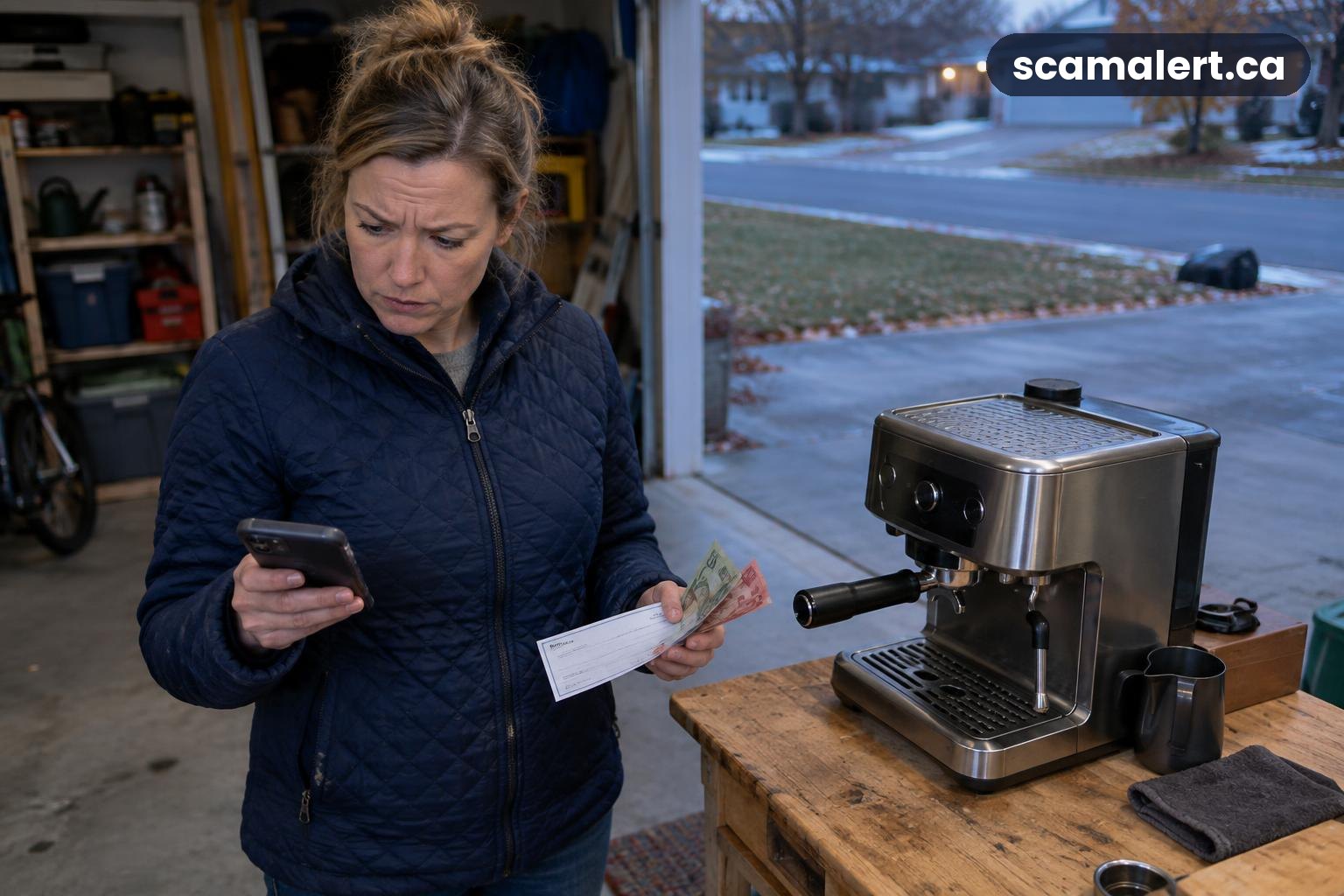
In a Facebook Marketplace overpayment scam, a supposed buyer claims to have paid you more than the agreed price and asks you to return the difference. The aim is to get you to send money before you know whether the original payment is genuine and final. A payment notification, screenshot or cheque is not proof that funds are safely available. Facebook is a legitimate platform; scammers may use Marketplace to approach sellers, but that does not mean Facebook is behind the scheme.
How the overpayment scam works
You list an item for sale and a buyer contacts you. They may seem ready to buy without seeing the item or negotiating much. After you agree on a price, they say they have paid too much by mistake. They ask you to refund the extra amount, often quickly and through a separate payment.
The apparent payment may be fake or unauthorized. For example, you might receive a forged cheque, a fabricated payment confirmation, or a message designed to look like a notice from a payment service. In some cases, money may appear in an account because the payment was made using someone else’s compromised account. Depending on the payment method and circumstances, a payment can be rejected, disputed or reversed after you have sent the supposed overpayment back.
This can leave you out of pocket: you send your own money to the buyer, while the original payment never becomes valid or is later removed. The scammer may also pressure you to act before you have time to check with your bank. If you have not sent a refund, pause the transaction and verify the payment independently.
Variations sellers may encounter
The story can change, but the key feature is the request to return money or pay an extra cost based on a payment that has not been confirmed. A buyer might say they sent too much by accident, or claim that a family member, assistant or other person made the payment on their behalf.
Another version involves a buyer saying they will arrange a courier or pickup and that you need to pay a delivery, insurance or other fee first. They may claim the extra amount they sent is meant to cover that cost. Treat any request to forward money to a third party as a reason to stop and verify everything through your own bank or payment service.
Some messages imitate the look of an e-transfer or payment-service notification and say you must take an extra step to receive the money. A link in such a message could lead to a fake sign-in page designed to collect your banking details. Do not use links or contact information supplied in an unexpected payment message to check the transaction. Open your bank’s app or website independently, or call the number on your bank card.
These approaches are not proof that every buyer who asks a question or changes plans is dishonest. Focus on what you can verify: whether the agreed amount is actually present in your account, whether the payment is valid, and whether anyone is asking you to send money back or pay a fee.
Red flags to watch for
- The buyer offers to pay more than your asking price and wants you to return the extra amount.
- They ask for a refund through a different method, account or recipient from the original payment.
- They send a screenshot or email as proof, but the payment does not show in your bank account or payment service.
- You are asked to pay a courier, insurance or release fee before the item can be collected.
- The buyer urges you to act immediately, keep the arrangement secret or ignore a warning from your bank.
- A message says you must click a link, share a one-time security code, or provide your banking sign-in details to accept a payment.
- The name on a payment or cheque does not match the buyer’s explanation, or a third party is unexpectedly involved.
- The buyer wants you to hand over the item or send money before you can confirm that the payment is legitimate.
How to protect yourself when selling
Agree on the price and payment method before arranging pickup. Be clear that you will not return an overpayment, pay a buyer’s fees, or send money to another person. If a buyer says they made an error, do not send a refund yourself. Contact your bank or payment provider and ask how to handle it safely.
Check your account directly through your usual banking app or by typing your bank’s known web address yourself. Do not rely on an email, text, screenshot or page opened from a message. If a payment is not visible in the account where you expect it, do not treat it as received. Even when a balance changes, ask your bank whether the transaction is confirmed and whether there are any concerns before releasing the item or sending money.
Never share your banking password, card security details or one-time verification code with a buyer. A person who is paying you does not need your sign-in credentials. Do not install software or follow instructions to change security settings at a buyer’s request.
Keep communication and payment arrangements straightforward. Be cautious if the buyer introduces a new person, payment method or fee after you have agreed on the sale. For an in-person exchange, choose a public place and consider bringing someone with you. Do not hand over the item until you have confirmed the agreed payment through a reliable, independent channel.
Save relevant messages and payment records while the transaction is in progress. If something seems wrong, stop communicating until you have checked with your bank or payment provider. You can also use the reporting tools available on the platform for suspicious messages or accounts.
What to do if you have been targeted
- Stop the transaction. Do not send a refund, pay a fee, hand over the item or click links in the buyer’s messages while you check what happened.
- Contact your bank or payment provider promptly. Use the number on your bank card or the official app or website you normally use. Explain what payment you received, what you sent, and whether you shared account information. Ask whether the payment is valid and what steps are available.
- Secure your accounts if you shared details. Change affected passwords using the official service, and contact your bank if banking information or a verification code was disclosed. Follow the bank’s guidance about monitoring or securing your account.
- Keep evidence. Save messages, emails, payment notices, transaction records and any details about the item or buyer. Do not delete the conversation before you have recorded the information you may need.
- Report the account or message through the platform. Use the platform’s own reporting options and avoid continuing a discussion with someone who is pressuring you.
- Report the incident in Canada. Contact the Canadian Anti-Fraud Centre, even if you did not lose money. If money or banking details are involved, contact your bank as well. You can also report suspected fraud to your local police.
How to report an overpayment scam in Canada
Report suspected fraud to the Canadian Anti-Fraud Centre at 1-888-495-8501 or through antifraudcentre-centreantifraude.ca. You can report an attempt even if you recognized it before sending money.
Contact your local police to report the incident, particularly if money or property was taken or you feel threatened. If you paid money, deposited a cheque, received a suspicious transfer, or shared banking information, contact your bank or payment provider right away using a trusted contact method. Keep the report or file details you receive and provide your saved evidence when asked.
Frequently asked questions
Why would a buyer send too much money?
The overpayment story can persuade a seller to send money back before the original payment is verified. If that payment is fake, unauthorized or later reversed, the seller may lose the money they returned.
Is a payment screenshot proof that I have been paid?
No. A screenshot or email can be fabricated or misleading. Check your account directly through your bank or payment service, and ask the provider about any payment you are unsure of.
Should I refund an accidental overpayment?
Do not send a separate refund based only on the buyer’s message or proof they provide. Contact your bank or payment provider first and follow its instructions about the transaction.
What if I did not lose money?
You can still report the attempt to the Canadian Anti-Fraud Centre and report the account or message through the platform. If you shared personal or banking information, contact your bank or the relevant service promptly.