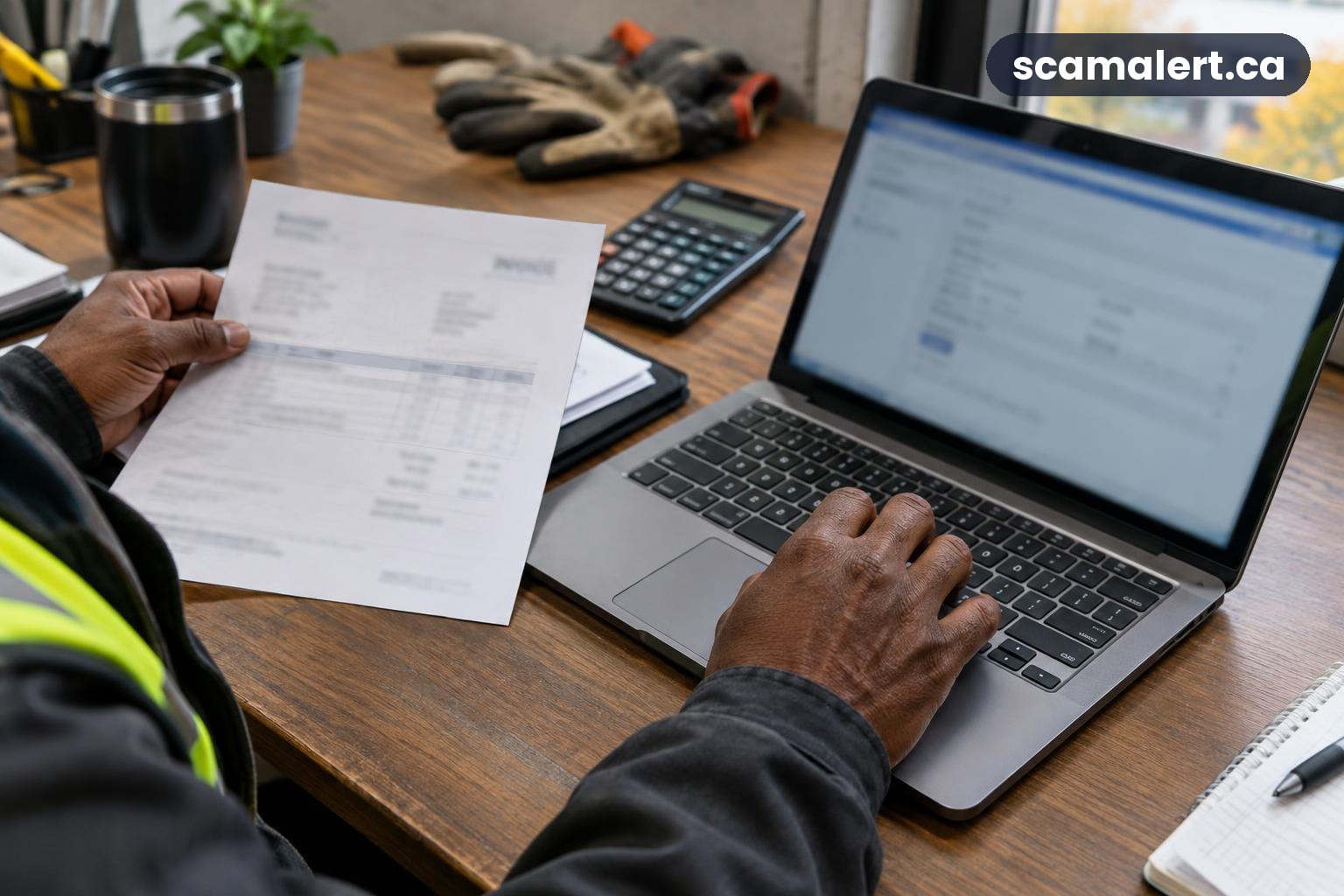
A bank detail scam can trick contractors, renovators and small businesses into sending a payment to the wrong account. Money.ca reports on a spear-phishing scam that uses a message claiming that a business has changed its bank details.
Payment instructions that arrive by email or message should be checked independently, especially when they differ from what you have used before. A familiar name, logo or conversation thread does not prove that a payment change is genuine.
What the bank detail scam looks like
In this type of spear-phishing, a message is tailored to a particular business or working relationship. It may appear to come from a contractor, renovator, supplier, customer or another business contact, and it asks the recipient to use new banking information for a payment.
The message might refer to an invoice or an ongoing job, making the request seem like a routine update. The central risk is that a payment meant for a legitimate business could instead be sent to an account controlled by someone else.
Fraudsters can impersonate a real business, or in some cases use access to a genuine email account. That does not mean the business being impersonated is involved in the scam. A genuine-looking sender address or reply in an existing email conversation is not enough to confirm new payment instructions.
The message may ask you to act quickly, but you do not need to accept a change through the same channel that delivered it. Verify the request using contact information you already have on file, rather than a phone number, link or reply address included in the new message.
This kind of bank detail scam can affect businesses of different sizes. Any organization that sends or receives invoices, pays subcontractors, or keeps supplier records may need a clear process for checking changes before money moves.
Red flags to watch for
- New account details arrive unexpectedly. Treat a request to change where you send money as a reason to pause, even if the message looks familiar or refers to a real job.
- The sender presses you to pay right away. Urgency can make it harder to notice a change or complete a proper check. Take time to confirm the request before sending funds.
- The message asks you to keep the change quiet. Requests to bypass normal approval steps or avoid checking with colleagues are a warning sign.
- The email address or wording is slightly different. Look for small changes in an address, unusual phrasing, unexpected attachments or details that do not fit your usual dealings. These clues can help, but a polished message can still be fraudulent.
- The request changes the usual payment process. Be cautious if you are asked to use a new account, payment method or set of instructions without your usual documentation and approval.
- The sender provides a new number or link for verification. A scammer may direct you to contact them through details in the message itself. Use a trusted number or contact record you already hold instead.
- The invoice and instructions do not match. Check whether the business name, account information and payment terms are consistent with your verified records. Do not assume an invoice attachment proves the change is genuine.
How to verify a contractor payment change
Set a consistent verification process for every change to payment information, not just requests that look suspicious. A rule applied to all suppliers and customers is easier for staff to follow and less likely to be skipped when a message seems familiar.
Contact the business using a number from an earlier invoice, an established contract or your saved contact records. Speak with a person you have dealt with before, and ask them to confirm the change and the account details. Do not use a number or link supplied in the message requesting the change.
If you cannot reach your contact, wait to pay until you can verify the request. For a larger or unusual payment, consider having a second authorized person review the change. Keep a record of who confirmed it, when it was checked and what process was used, while limiting access to sensitive banking information.
Businesses can also agree in advance that payment details will not be changed solely by email. Tell staff how to handle an unexpected update, where verified contact information is stored, and who must approve a change. Make sure the process is known to people who handle invoices, bookkeeping and payments.
What to do if you’ve been targeted
- Pause the payment. If you have not sent money, do not act on the new instructions. Contact the business through a previously trusted channel and confirm its payment details before proceeding.
- Call your bank immediately if money was sent. Explain that you may have paid using fraudulent or changed banking information. Ask whether the payment can be stopped, recalled or otherwise addressed, and follow the bank’s instructions. Acting quickly may matter, but recovery is not guaranteed.
- Contact the intended business using verified details. Tell them what happened so they can check whether their account or communications may have been impersonated or accessed. Do not rely on the suspicious message to reach them.
- Preserve the evidence. Keep the message, invoice, payment confirmation, email addresses, dates and any related correspondence. Do not alter or delete the original messages. Share the records with your bank and the authorities if requested.
- Secure affected accounts. If you clicked a link, shared a password or suspect an email account was accessed, change the affected password from a trusted device and enable multi-factor authentication where available. If a work account may be involved, tell the person responsible for managing your business systems.
- Review other payments and instructions. Check whether any other invoices, supplier records or account changes may have been affected. Tell staff who handle payments to verify any new requests independently.
- Be alert to follow-up contact. Someone may claim they can recover your money or ask for more payment or sensitive information. Verify any such offer independently, and do not pay an unsolicited person to retrieve funds.
How to report a bank detail scam in Canada
Report the incident to the Canadian Anti-Fraud Centre, even if you did not lose money. You can call 1-888-495-8501 or use the official Canadian Anti-Fraud Centre website for information on reporting. Provide the messages and payment records you have kept.
Contact your local police service as well, particularly if money was transferred or your business accounts may have been accessed. Keep any report or file information they provide and share it with your bank if it is relevant to the payment investigation.
If money or banking details are involved, contact your bank using the number on your bank card, statement or official banking website. Explain what happened and ask what steps to take to protect your account and respond to the payment. Do not use contact details from the suspicious message.
A bank detail scam depends on a payment change being accepted without a separate check. Treat every new instruction as unconfirmed until you have verified it through a contact method you already trust.
Reviewed by our editorial team on .

The Scam Alert Team tracks fraud targeting Canadians and turns official warnings into clear, practical advice. Our team has a background in IT and cybersecurity, and every article is fact-checked against official sources before publication. How we verify alerts