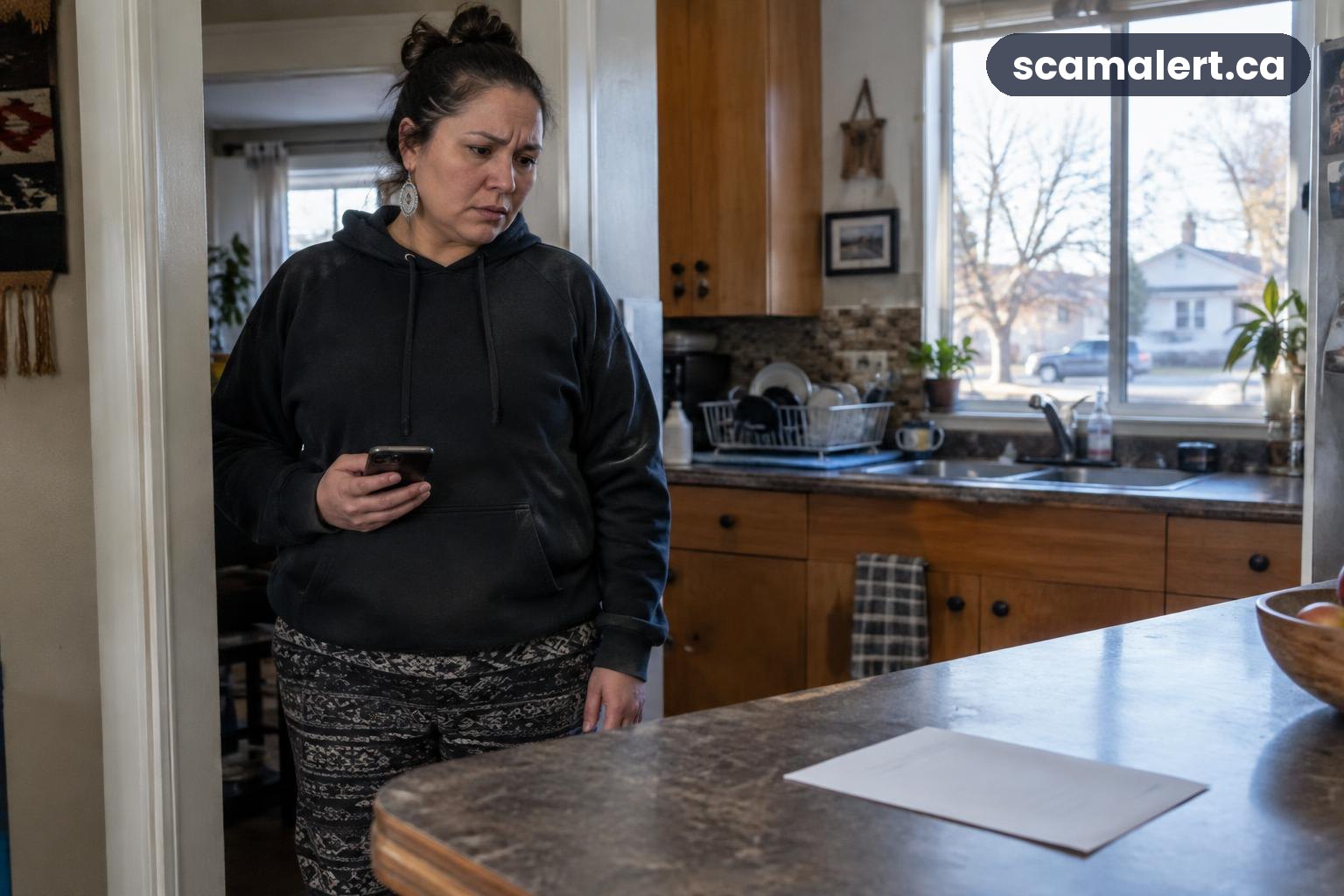
A personal information scam can leave you worried about what might happen next, but acting promptly can help reduce the risk. The right steps depend on what you shared: a password, banking details, identification numbers and other personal information each call for different follow-up.
Do not blame yourself or assume that every account has been compromised. Focus first on stopping further contact, protecting the information that could be used, and keeping a record of what happened.
How a personal information scam can lead to harm
Scammers may ask for information by phone, text, email, social media, a website or an in-person approach. They may pretend to represent a familiar business, a government service, a financial institution, an employer or someone you know. Sometimes they use a believable reason, such as confirming an account, delivering a package or dealing with an urgent problem.
Information can be misused in different ways. A password may provide access to an online account, while banking details could put an account or payment at risk. Personal details can also help someone make a message or call seem more convincing, or attempt to pose as you when dealing with an organization.
Sharing information does not automatically mean that someone will misuse it. Still, treat the details you disclosed as potentially exposed and take reasonable steps to secure the relevant accounts. The more sensitive the information, the more important it is to contact the organization responsible for protecting it.
Common identity theft and information-sharing variations
In Canada, approaches can arrive through ordinary channels people use every day. A caller might claim to be from a bank, a text might ask you to confirm a delivery, or an online message might offer help with a service. A fake website can be designed to collect information entered into a form.
Some approaches focus on account access rather than collecting a long list of personal details. For example, a person may be persuaded to share a password or a one-time security code, approve a sign-in request, or install software that gives another person access to a device. Never share a security code just because a caller or message says it is needed to stop a problem.
Other approaches may seek information such as your full name, address, date of birth, identification details or account numbers. A scammer may combine details from different conversations or sources. Even information that seems harmless on its own can make a later impersonation attempt more believable.
Red flags that an information request may be unsafe
- The person pressures you to act immediately, threatens a penalty or insists you keep the conversation secret.
- You are asked for a password, a one-time code, a PIN or an answer that would let someone access an account.
- A caller or message asks you to move money, share banking details, or approve an action you did not start.
- You are told to use a link, phone number or contact method supplied in an unexpected message instead of checking independently.
- The explanation changes, does not fit the service you use, or cannot be verified through an official channel you find yourself.
- Someone asks you to install an app or software, give remote access to your device, or show them your screen.
- You are asked to provide more personal information than seems necessary for the service or transaction.
A request can be suspicious even if the message uses your name or appears to come from a familiar organization. Caller identification and displayed sender details are not enough to prove who contacted you.
How to protect your identity and accounts
Stop replying and do not send more information, money or codes. If you are on a call, end it; if you are chatting, close the conversation. Do not use contact details supplied by the person who approached you. Find the organization’s contact information independently, such as through a statement, official app or website you already trust.
Change any password you shared, starting with the affected account. If you reused that password elsewhere, change it on those accounts too, using a different password for each. Turn on multi-factor authentication where it is available, and review account settings for unfamiliar contact details, devices, sign-ins or changes.
If you provided banking or payment information, contact your bank or payment provider using a trusted contact method and explain what you disclosed. Ask what protective steps they recommend for your particular account. If you gave a card number, follow the issuer’s instructions and monitor transactions for activity you do not recognize.
If you shared a mobile account password or security code, contact your mobile provider through a verified channel. Ask it to help secure the account and check for changes you did not request. If you installed software or gave someone access to your device, disconnect from the conversation and get help from a trusted technical support provider. Do not let the person who contacted you guide the cleanup.
If you shared identity documents or an identification number, contact the organization that issued the document or manages the number, using contact details you find independently. Ask whether it can note the incident or recommend additional safeguards. You can also check your credit files with Canada’s credit bureaus and ask how to flag suspected identity misuse. Keep an eye out for unfamiliar accounts, enquiries or notices, and follow the bureau’s instructions if something looks wrong.
Keep evidence in a safe place: save messages, emails, screenshots, call details and any transaction records. Do not delete the conversation before noting what happened. Make a short timeline of what you shared, when you shared it and any steps you have taken; this can make it easier to explain the incident to your bank, an organization or police.
What to do if you gave a scammer personal information
- End contact. Do not answer follow-up requests or use links and numbers sent by the person. Block the account or number if that is practical, but keep copies of relevant messages first.
- Identify exactly what was shared. Write down whether you disclosed passwords, codes, banking information, identification details, or other personal information. Include any action you took, such as approving a request or installing software.
- Secure the affected accounts. Change exposed passwords, replace reused passwords on other accounts, and review security settings. Use a separate, trusted device if you think the device you used may have been accessed.
- Contact the relevant organizations. Call your bank if money or banking information is involved. Contact the service provider or document issuer connected to any other information you disclosed, and ask what steps apply to your situation.
- Check for signs of misuse. Review account activity, statements and messages for changes or transactions you did not make. If you find unfamiliar activity, contact the relevant organization promptly and keep a record of the report.
- Save evidence and report the incident. Keep copies of messages and records, report to the Canadian Anti-Fraud Centre, and contact local police if you lost money, your identity was used, or you believe a crime occurred.
These steps can be done in parallel. If money has moved or you still have access to an account that may be at risk, contact the bank or provider promptly rather than waiting to complete every other step first.
How to report a personal information scam in Canada
Report the incident to the Canadian Anti-Fraud Centre online or by calling 1-888-495-8501. You can report an attempted scam even if you did not lose money. Share what happened and what information was requested or disclosed, but do not send passwords or security codes in a report.
Contact your local police if you lost money, someone used your identity, or you believe a crime took place. If money or banking details were involved, contact your bank as well, using its official contact method. Reporting to these organizations serves different purposes, so contacting one does not replace notifying the others.
If an organization was impersonated, contact it through a channel you independently verify. This can help it secure your account or advise you about the information involved; it does not mean the real organization was responsible for the scam.
Frequently asked questions
What if I only shared my name and phone number?
That alone does not prove your identity has been stolen, but it may lead to more convincing calls or messages. Be cautious about unexpected requests, do not share codes or passwords, and verify any claimed organization through a contact method you find independently.
Should I change every password after sharing one?
Change the exposed password and any other account password that is the same or similar. Use unique passwords for accounts, and review the affected accounts for unfamiliar changes. If you shared a one-time code, contact the service connected to it and secure that account promptly.
Do I need to report an attempted scam if I did not lose money?
Yes. You can report it to the Canadian Anti-Fraud Centre even if you stopped before sending money or information. If you did share personal information, also contact the relevant organization and take steps to secure the account or document involved.
What if the person claimed to be from a real organization?
End the conversation and contact that organization using details you find independently. Do not rely on a number, link or instructions provided by the caller or message. Explain what you shared and ask the organization how to protect the account or information.
Reviewed by our editorial team on .

The Scam Alert Team tracks fraud targeting Canadians and turns official warnings into clear, practical advice. Our team has a background in IT and cybersecurity, and every article is fact-checked against official sources before publication. How we verify alerts